An image embeds a graphic into the document. The syntax mirrors the link syntax with a leading ! — the text in square brackets becomes the alternative text (shown when the image cannot load and read aloud by screen readers), and the URL in parentheses points to the image file.



Best Practice
- Always write meaningful alternative text — it is read aloud by screen readers and displayed when the image fails to load.
- Keep alt text descriptive but concise: describe what the image shows, not what it means to you.
- Use an optional title (in quotes after the URL) for supplementary context that does not belong in the alt text.
Tip
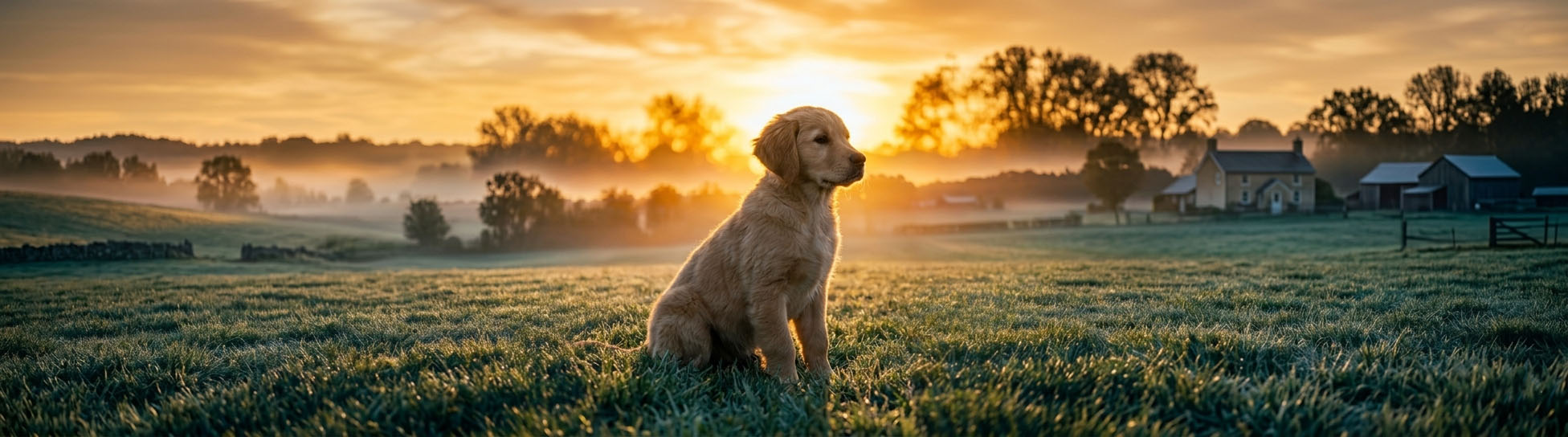
You can use HTML to add an image with height and width parameters. If you want to use the Markdown syntax then prepare images that are landscape in a widescreen ratio because Markdown will always make the image fit the full width. The puppy image on this page is 32:9 ratio.
Notes
Alt Text
Alt text is not a caption — it is a text replacement for the image. Good alt text describes what a sighted reader would see:

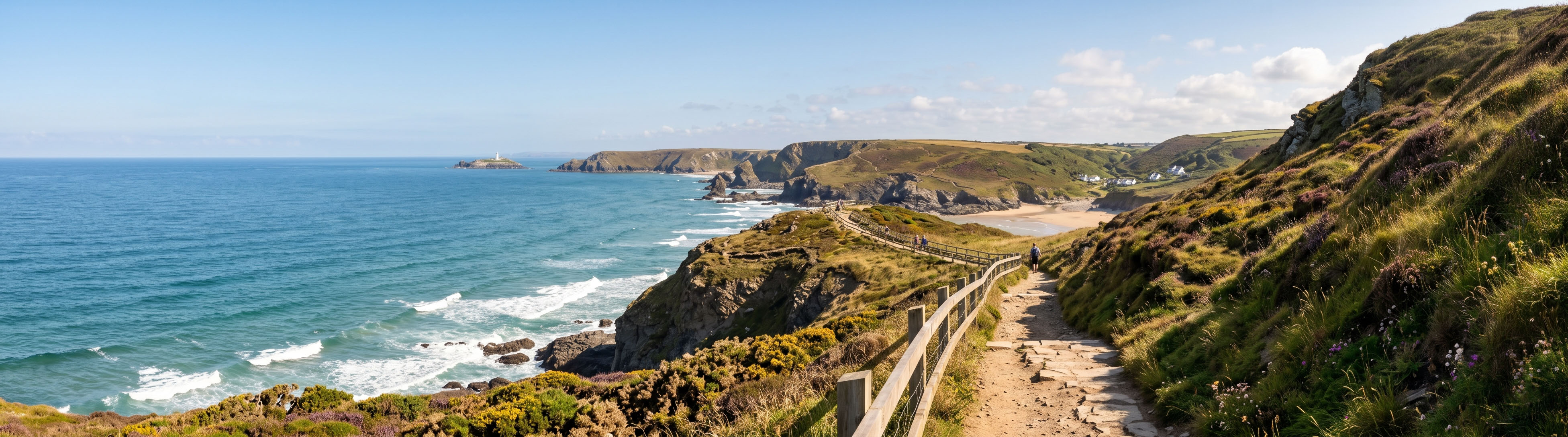
A caption visible to all readers is typically added as a separate paragraph below the image, or using a custom component if your platform supports one.
Linked Images
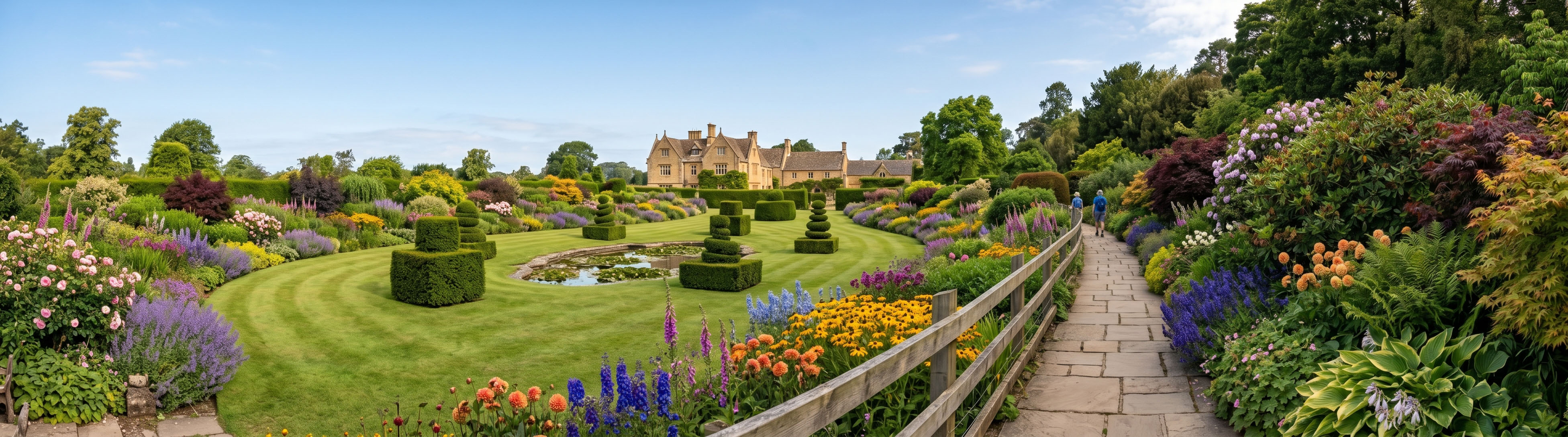
To make an image a clickable link, wrap the image syntax inside a standard link:
[](garden-full.jpg)
Reference-Style Images
Images support the same reference-style form as links:
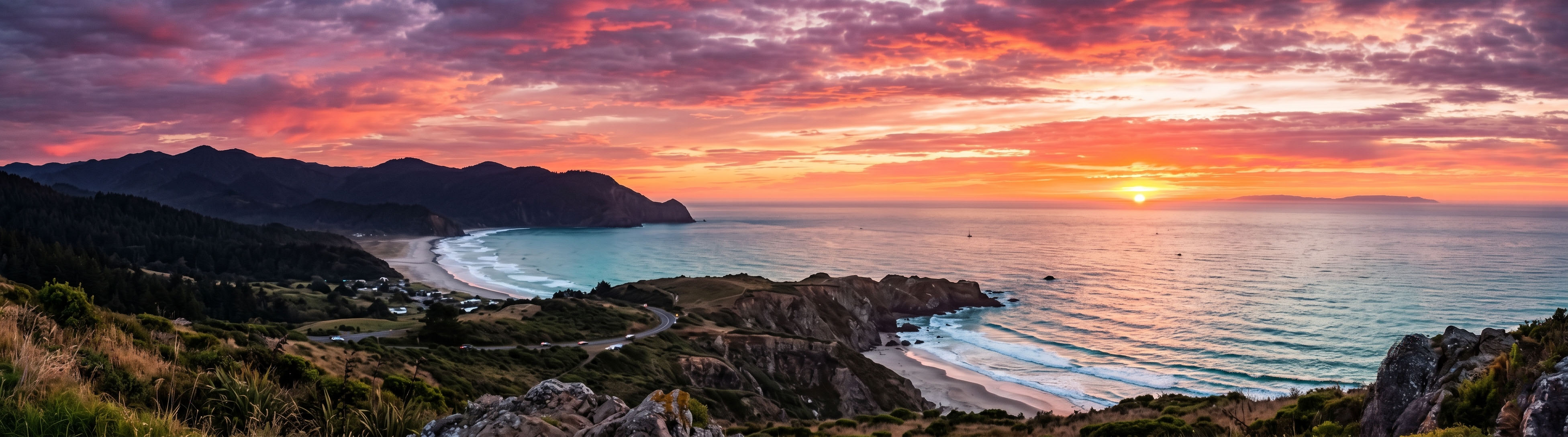
![A sunset over the valley][sunset]

[sunset]: sunset.jpg "Sunset photograph"
Markdown Flavour Support
Supported by all major flavours.
Flavour Support Detail
| Flavour | Support | Notes |
|---|---|---|
| Original Markdown | Yes | Defined in the original spec; inline and reference-style both supported. |
| CommonMark | Yes | Fully specified. |
| GitHub Flavored Markdown | Yes | Inline images fully supported; image dimensions cannot be set in Markdown alone. |
| Pandoc Markdown | Yes | Supports image attributes (width, height, class) via extended syntax. |
Practical Examples
- Adding a photo to a travel blog post: Embed an image mid-post with alt text that describes the scene for readers who cannot see it.
We arrived just before sunset.

The colours were unlike anything we had seen before.
We arrived just before sunset.
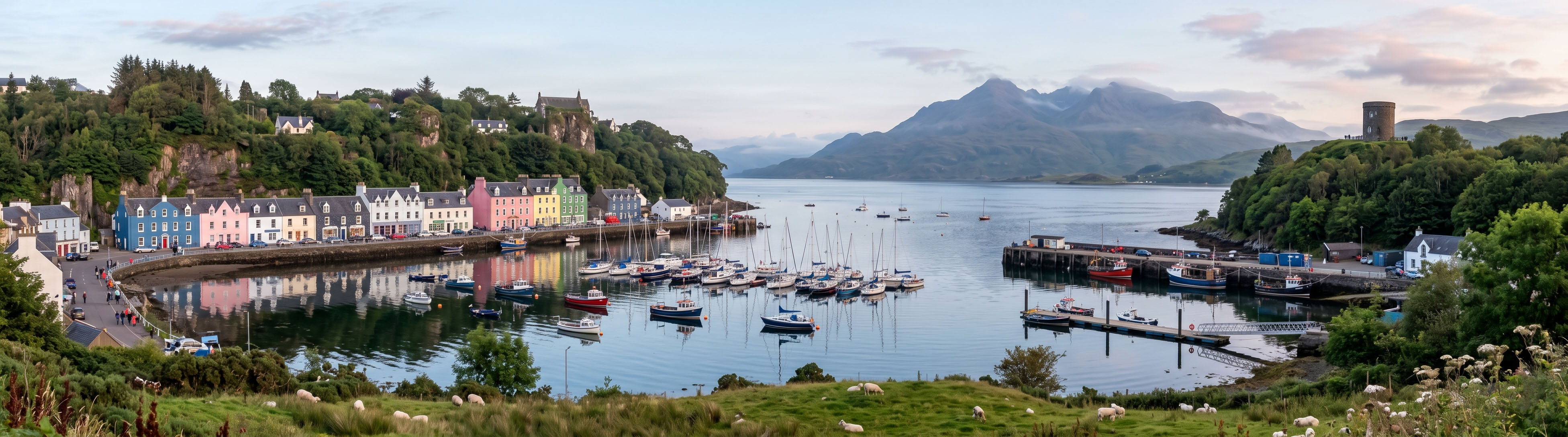
The colours were unlike anything we had seen before.
- Illustrating a step in a craft tutorial: An image placed between steps shows readers exactly what their work should look like at that stage.
2. Fold the top edge down to the centre crease.

3. Turn the paper over and repeat on the other side.

- Fold the top edge down to the centre crease.

- Turn the paper over and repeat on the other side.