
Workflows
Practical Markdown use cases built from multiple language items.
[docizr-book]
Workflows
[/docizr-book]
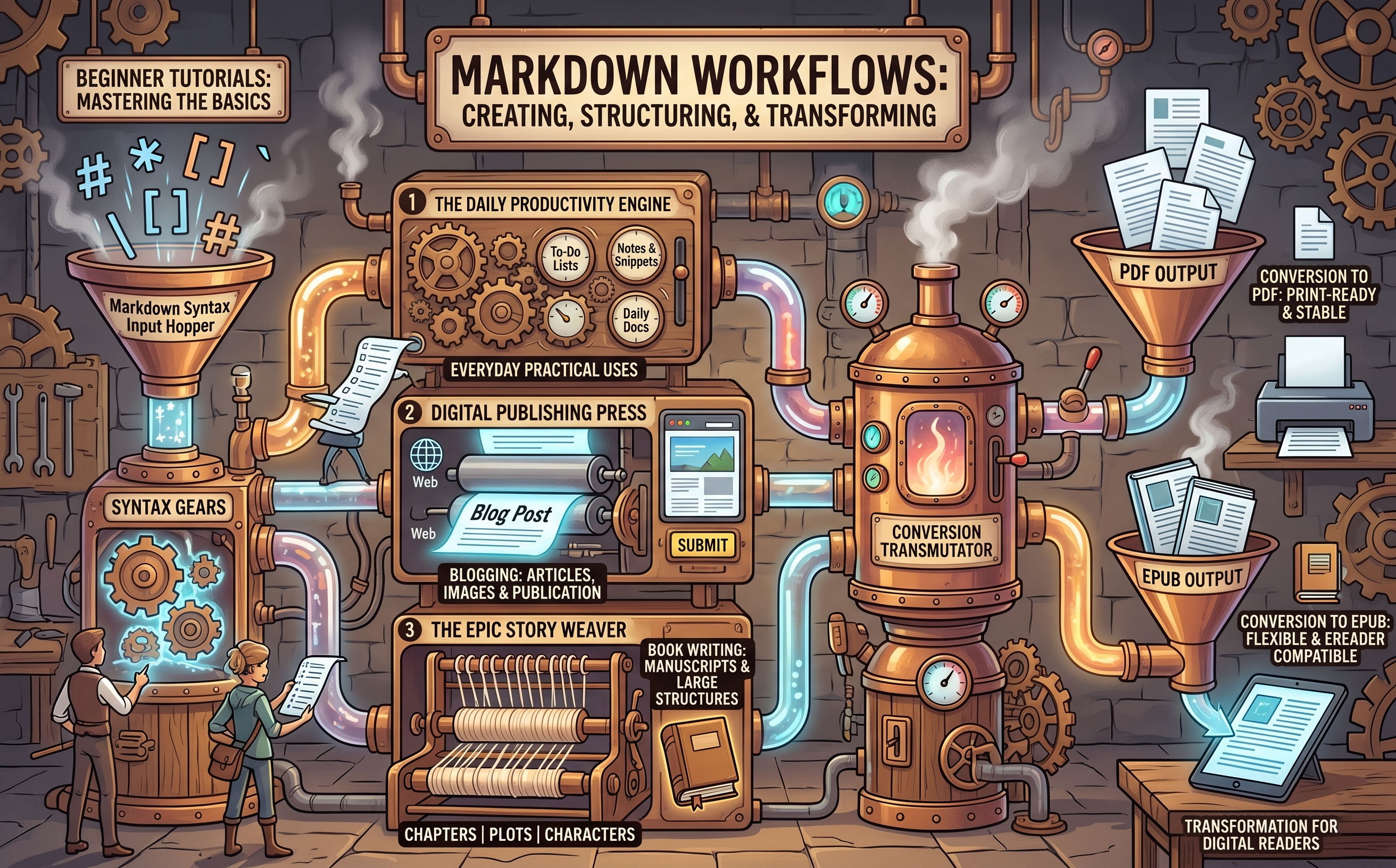
Later in the Language Reference you will see Markdown's individual building blocks: headings, lists, links, images, and more. Each element does one job well on its own. Where Markdown really comes into its own, though, is when you combine those elements to create something complete — an item that somebody can actually use.
This chapter avoids the isolated syntax and looks at how real pages are put together. A recipe page, for example, is not just a list of ingredients. It needs a clear title, an introduction, a numbered method, a few tips set apart from the main text, and perhaps a photograph. Each of those pieces is a Markdown element you already know. Assembled in the right order, they form a coherent, readable document.
The workflows here cover the kinds of pages that come up again and again in everyday writing: instructional guides, reference sheets, diary-style entries, and simple product or event listings. Each workflow shows the finished result alongside the Markdown that produces it, so you can see exactly how the elements fit together.
If you are just beginning with Markdown then start by looking at our Start Writing in Markdown workflows, these are essentially a series beginner tutorials.
If you are looking for Markdown project ideas then look at the other pages in the Workflows section Workflows
Start Writing In Markdown
[docizr-book] Start Writing In Markdown Beginner [/docizr-book] Markdown is a lightweight way to format plain text so it looks good when displayed. You write simple symbols alongside your words — a couple of hash signs for a heading, a blank line to separate paragraphs — and a Markdown tool t...
Making Text Stand Out
[docizr-book] Making Text Stand Out Beginner [/docizr-book] Headings and paragraphs give your document its shape. Now it is time to give it some personality. Bold and italic let you draw attention to the words that matter — an ingredient that must not be skipped, a title worth remembering, a...
Organising with Lists
[docizr-book] Organising with Lists Beginner [/docizr-book] Lists are everywhere in good writing — packing guides, recipes, instructions, recommendations. Markdown lets you create a bullet list in seconds and a numbered list almost as quickly. This workflow shows you both and explains when ea...
Dividing Your Document
[docizr-book] Dividing Your Document Beginner [/docizr-book] As your documents grow longer, you will want to create clear visual boundaries between different topics or sections. A thematic break is a horizontal line that separates one part of a document from another. In Markdown you create...
Adding Links
[docizr-book] Adding Links Beginner [/docizr-book] A link connects your reader to something else — another page, a website, a shop, a resource, a map. In Markdown, adding a link takes just a few characters, and once you know the pattern you will use it constantly. It is one of the features th...
Showing Images
An image brings a page to life. In Markdown, the syntax for an image looks almost identical to a link — with just one extra character at the very start. Once you have written a few links, images feel completely familiar. What You Will Need Your Markdown editor, open and ready. For the later step...
Quoting Text
Sometimes you want to step back from your own voice and let someone else's words take centre stage — a line from a book, a piece of advice worth savouring, a key point that deserves its own space on the page. Markdown's blockquote gives quoted text a visual home of its own: indented, set apart, unmi...
Organising with Tables
When information has a natural shape — names beside descriptions, options beside costs, features beside ratings — a table makes it instantly clearer than a list or a paragraph could. Markdown tables use vertical bars (|) to separate columns and hyphens (-) to mark the header row. The result is r...
Writing Your First Article
You have learned the individual pieces. Now it is time to put them together. This workflow guides you through writing a complete Markdown article from start to finish — a short travel piece about a weekend in the Cotswolds. Along the way, you will use headings, paragraphs, emphasis, lists, a thema...
What's Next?
You have written Markdown. You have used headings, paragraphs, lists, emphasis, links, images, blockquotes, tables, and thematic breaks. You have the core of the language firmly in hand. The natural next question is: now that you have a .md file, what can you actually do with it? The short ans...