
Special Topics
Syntax rules and techniques that fall outside the standard element categories.
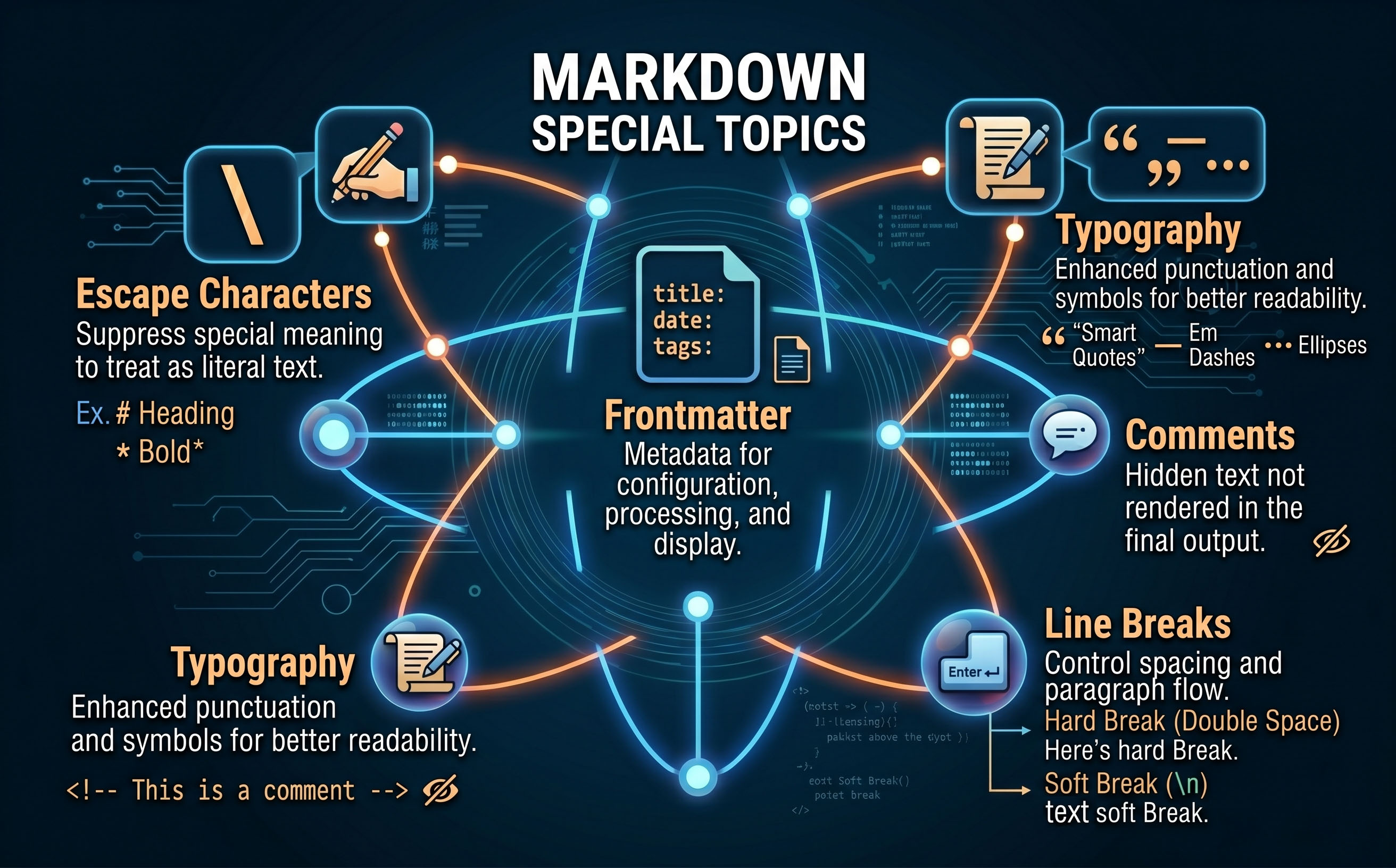
Escaping characters, controlling text direction, and other topics that do not belong to block, inline, or extended elements.
Escaping Characters
A backslash placed immediately before a Markdown character tells the parser to treat it as a literal character rather than as formatting syntax. This is called 'escaping'. Syntax \*not italic\* \# not a heading \[not a link\] ...
Right-to-Left Text
Markdown has no built-in syntax for right-to-left (RTL) text direction. Languages such as Arabic and Hebrew flow from right to left, but most Markdown parsers produce left-to-right output by default. Direction is controlled at the rendering layer — either through the platform, through HTML attribute...
Line Breaks
Markdown handles line breaks in two distinct ways depending on whether you want text to flow together or start on a new line within the same paragraph. Soft Line Breaks A single newline in your source — with nothing extra at the end of the line — is a soft line break. The renderer joins the li...
Comments
An HTML comment placed in a Markdown file is passed through the source but does not appear in the rendered output. This makes comments useful for leaving notes to yourself, reminding a co-author of an unfinished section, or temporarily hiding content without deleting it. S...
Special Characters and Symbols
Markdown passes most Unicode characters through directly — you can type or paste them into your source file and they will appear in the output. For characters that are difficult to type, or where you need precise control, HTML entities offer an alternative notation. Typing Characters Directly Th...
Frontmatter and Metadata
Many Markdown-based tools — including Grav, Obsidian, Hugo, and Jekyll — support a block of structured information at the very top of a file called 'frontmatter'. Frontmatter tells the platform things about the page that are not part of the visible content: its title, the date it was written, its ca...
Inline HTML
Most Markdown processors allow you to drop raw HTML directly into your Markdown source. This is useful for things Markdown cannot do natively — such as controlling text colour, centring a block, adding a collapsible section, or embedding a video player. Syntax...
Writing Accessibly in Markdown
Accessible writing ensures that your content can be read and understood by the widest possible audience — including people who use screen readers, people with low vision, and people reading in environments where images do not load. Markdown makes accessible writing straightforward if you follow a fe...
Typography in Markdown
Typography is the practice of arranging text so that it reads clearly and looks polished. In Markdown you work in plain text, but a few simple habits — using the right punctuation marks, knowing when to add a line break, and choosing the right dash — make a real difference to the quality of the fini...